¶ Welcome
If you're reading this, it's because I've shared my Plex library with you. You likely have some questions. I recommend reading through this all first before going through the setup.
-
What is Plex?
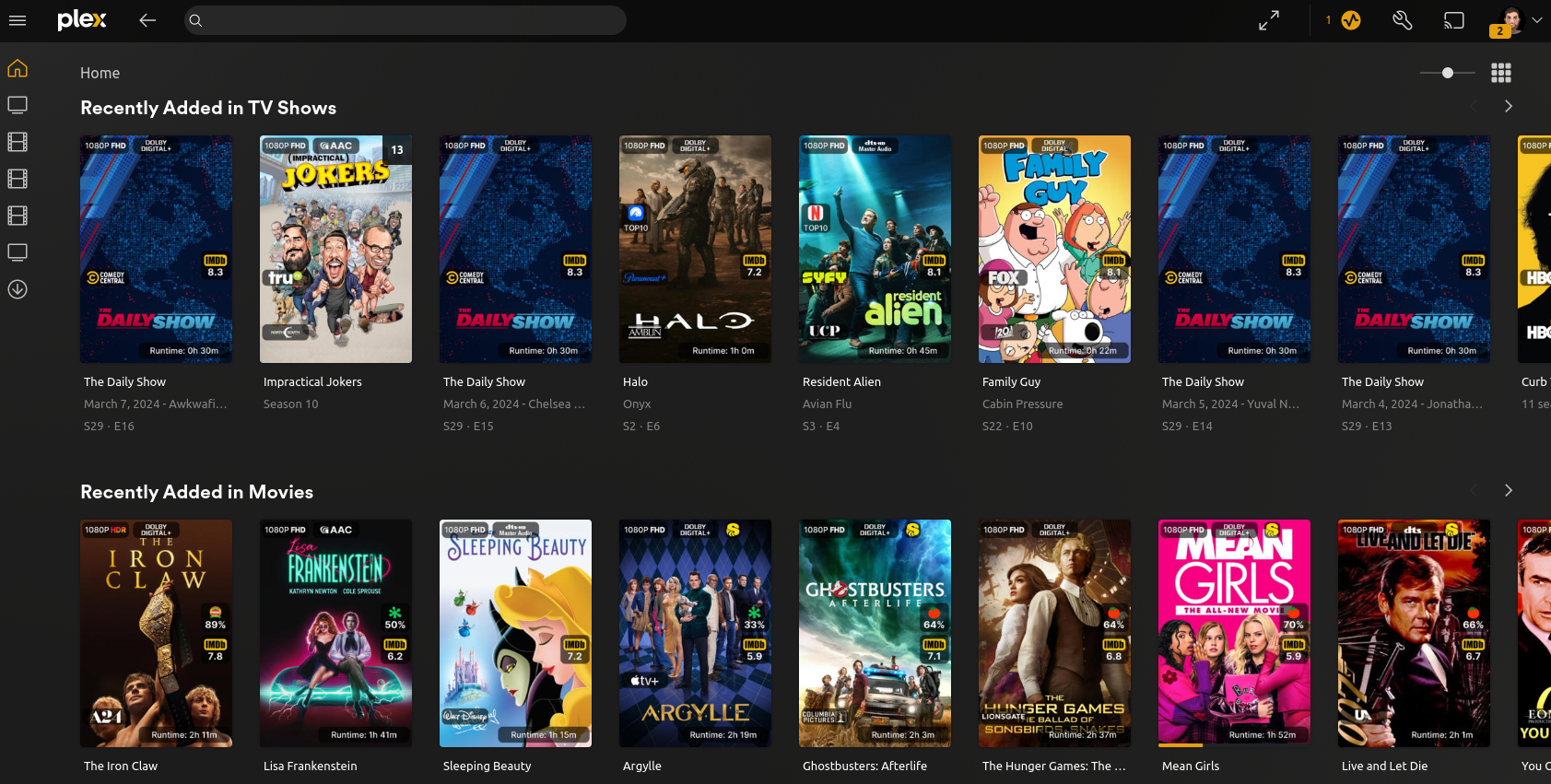
Plex is a media server that I run on my own system, you connect to my system through Plex's servers. All the content is content that I have downloaded, and you are accessing from my system. You have access to over 500 movies (with some 4k options available) and over 200 TV shows, as well as a small Anime collection and a growing Standup collection.
-
Is it safe?
Yes. I've already checked all the files and ensured they're safe, and there's nothing that could happen to you. Me and my family have been using Plex for close to a decade now without any issues or harm. I'm assuming all of the risk. -
Why use this versus streaming services?
Everything in one spot, for one. Also, I've found streaming services kind of suck depending on device your streaming on. Plex is consistent. Also, Plex has a shuffle button. Try it out, especially on shows you've seen more than once. It's a nice way to say "I want to watch an episode of this, but I don't care which one, or if they're in order". I use it with Family Guy and American Dad to fall asleep, and with Psych when I work from home. -
I'm in
Sweet. If you haven't yet given me your email address, I would do so now, so I can invite you.
¶ Get Started
This assumes that you're on PC. Steps may be different on the phone
Check your email. You got an email from noreply@plex.tv with the subject "You've been invited to share some media in Plex"
Don't worry, you're not sharing media with me, and the only way that could happen is if you download and setup a server. You'd know.
It will look like this (i've since updated the email that you've been invited by. It's now "plex@jthornenj.com", don't worry, that's me:
Press "I accept the invitation"
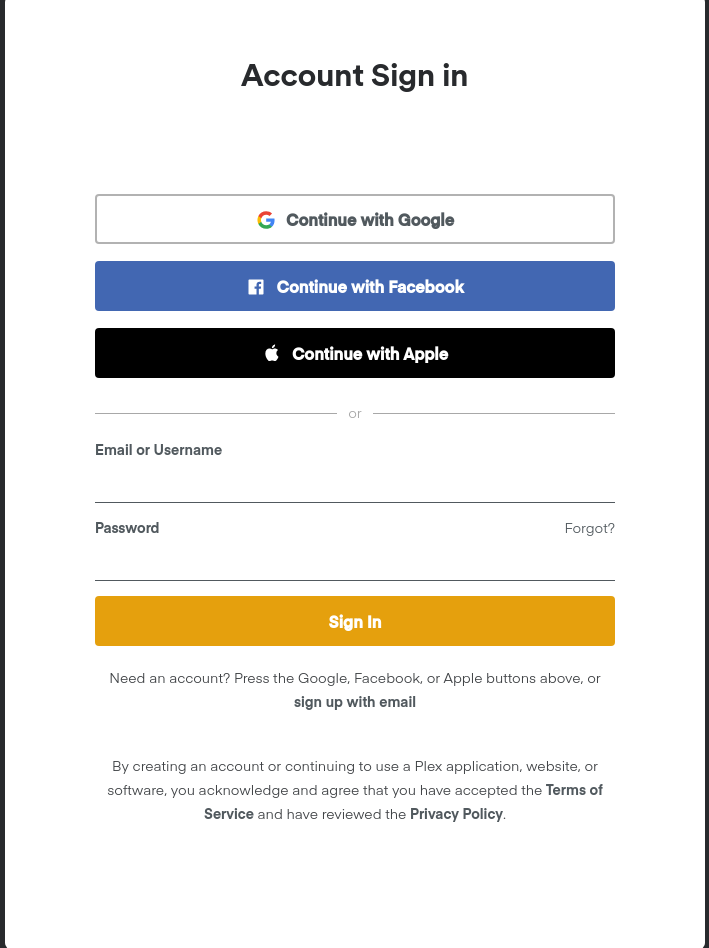
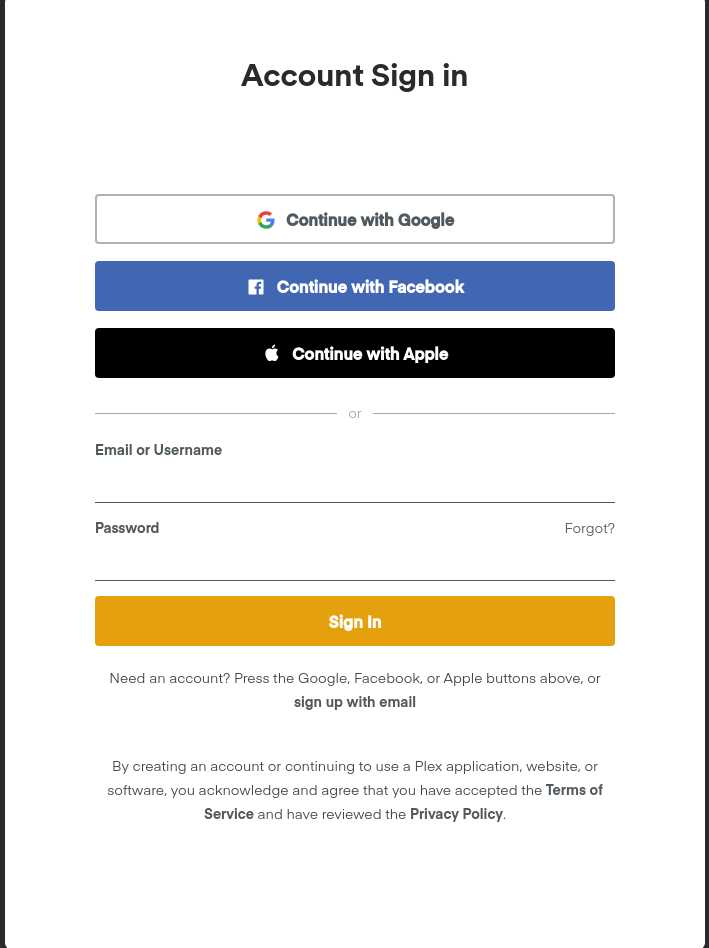
You'll be greeted with an Account Sign in page. On the off chance you already have a Plex account, just sign in. If you don't have a Plex account, you can either select one of the "Continue with..." options to use a single sign on, or you can press the dark grey "sign up with email" text under the "Sign In" button.
Make sure whatever method you use uses the same email that I sent the invite to.
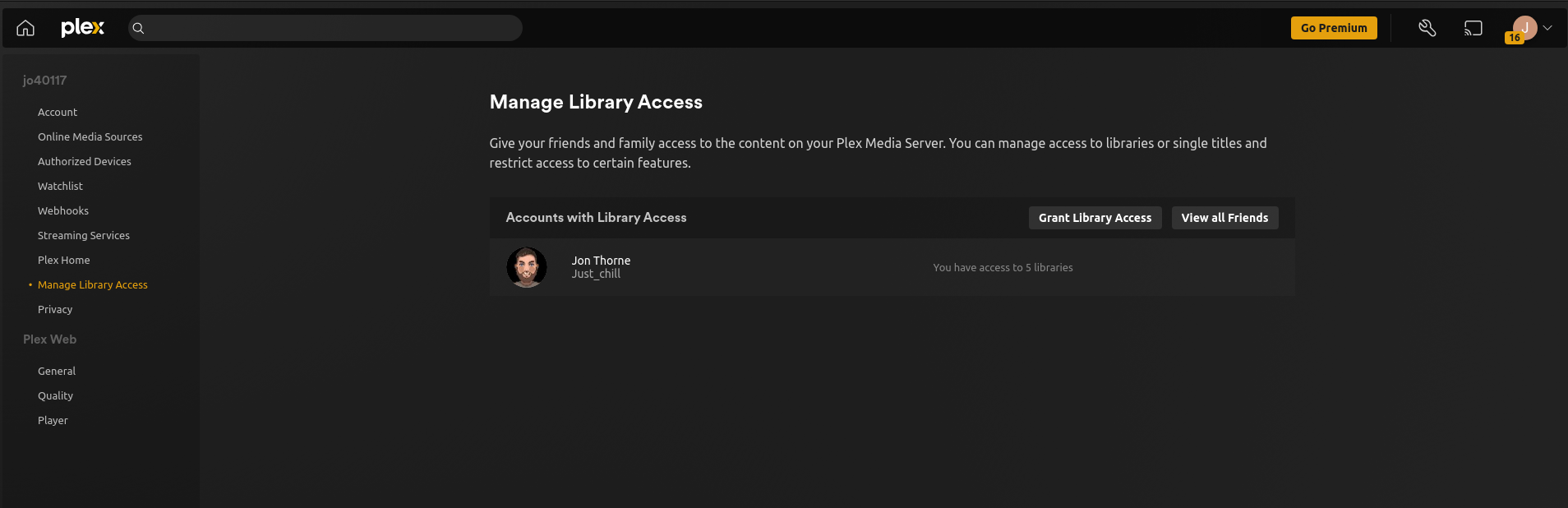
Once you've signed in, you'll be on a "Manage Library Access Page" and you should see that you have access to 5 Libraries shared by me.
Before we go to the Home page, let's make some setting adjustments.
Click on "General" under "Plex Web" on the left hand side, and click "Show Advanced" on the resulting page. Feel free to check "Play Theme Music", I think it's neat.
Then click on "Quality" underneath "General", here are my recommended settings.
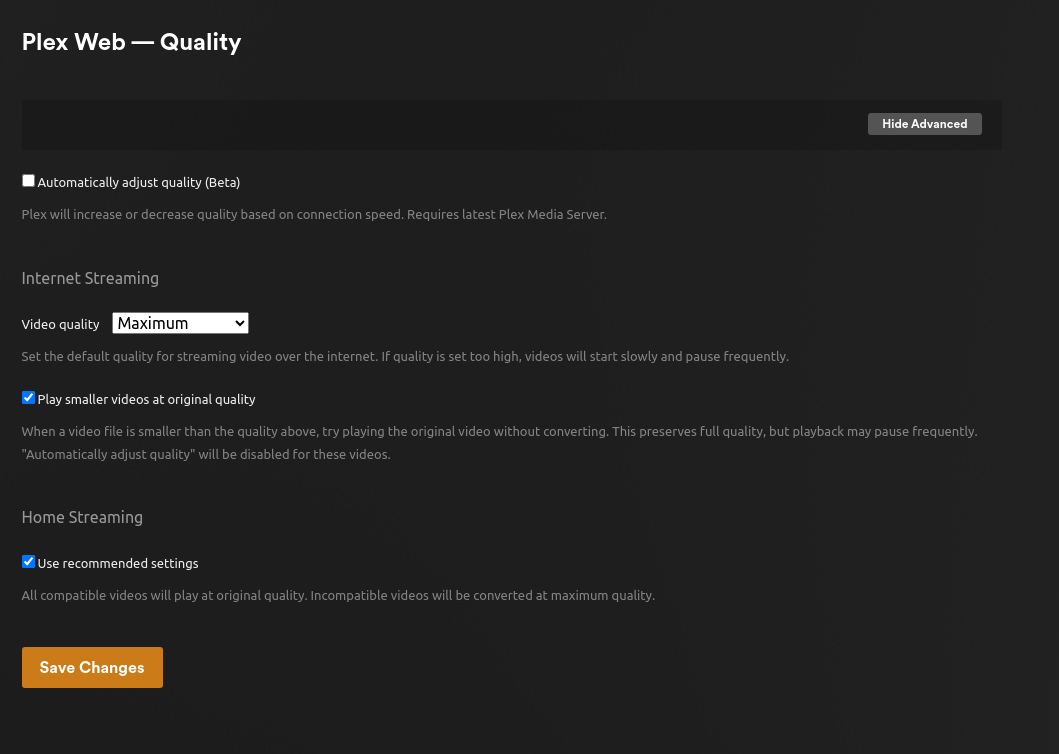
Note: You may find that you want to set "Automatically adjust quality (Beta)" to on if you have issues streaming
Finally, click on the "Player" tab and uncheck "Normalize Multi-channel Audio"
Now, click on the home button in the top left corner, and you'll see the "Plex Web Setup" page, with a list of pinned sources. Uncheck everything that isn't "4k Movies" "Movies" "Stand Up" "Anime" or "TV Shows". All of the rest of it isn't something that I've shared with you.
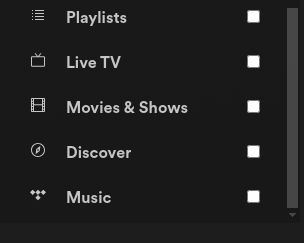
These, and "Watchlist" at the top are not something I've shared, and will just make your Plex experience confusing.
Once you've unchecked Watchlist, Playlists, Live TV, Movies & Shows, Discover and Music, press "Finish Setup".
Next up, it will ask if you want to Share your Watch History. I highly recommend setting it to Private by clicking on the dropdown.
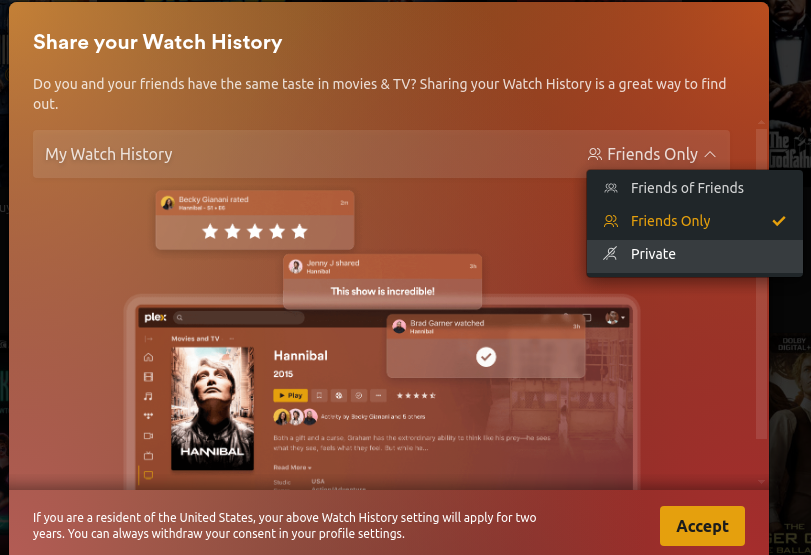
Press Accept once you've set it to your preference, again, I would set it to Private.
And now you can browse everything I have to offer.

¶ Next Steps
¶ Download Apps
If you did the above on your phone, you likely have the Plex app. Unfortunately, on mobile devices you do have to pay a one time $5 fee to be able to stream. If you're on desktop, I recommend getting the desktop app from here
Plex is also available on all major streaming devices.
Settings wiki page coming soon
¶ Visit requests.jonthorne.com
Sign in with your Plex account at https://requests.jonthorne.com/ and you'll be able to request TV shows and Movies. I can't promise I'll add everything, and if I notice people haven't watched something in a while, and it's not something I want otherwise on my server, I will delete it.
All emails for requests.jonthorne.com come from my jonathanthorne13@gmail.com email address (which is otherwise dead, I don't check it)
¶ Notice an issue with content?
Let me know (not directly, it's not you, but I will likely forget about it). You have two options. You can find the item on https://requests.jonthorne.com/ and click on the yellow "Report Issue" button on the right hand side.
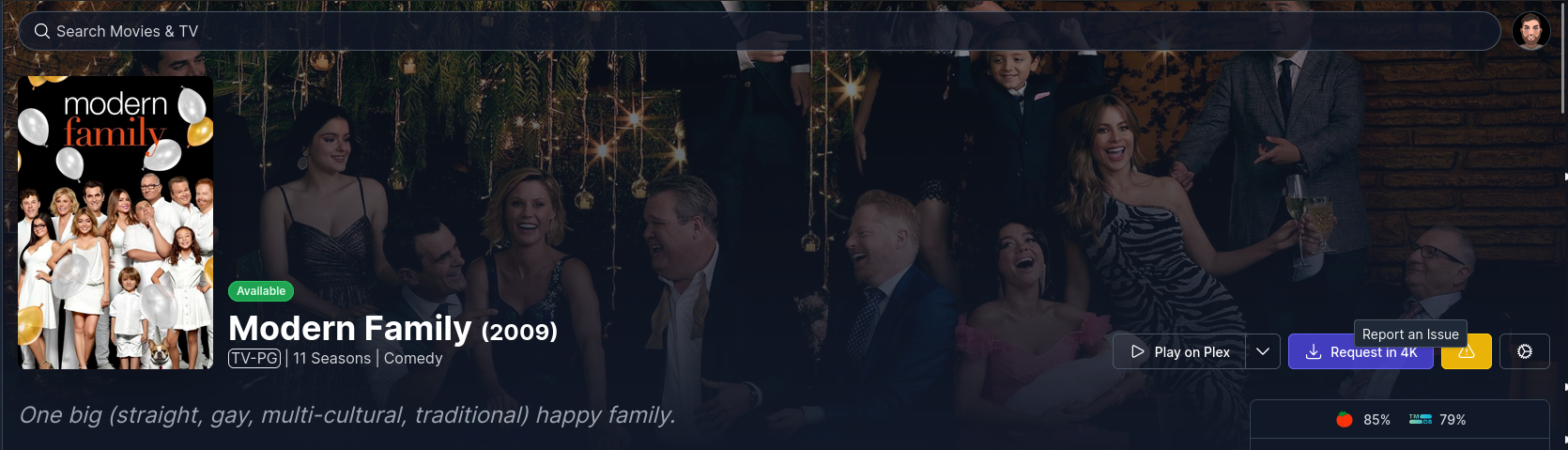
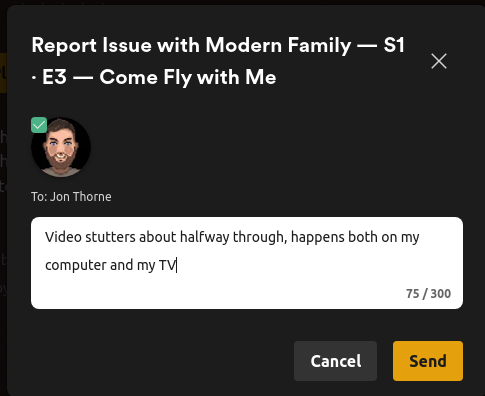
Fill out the pop-up form based on what the issue is, like so:

Note how I added detail that showed why I think it's the file that's the issue? Video stuttering halfway through could be because of network connection, but if it happens at the same point on multiple devices, it's likely the file that's bad.
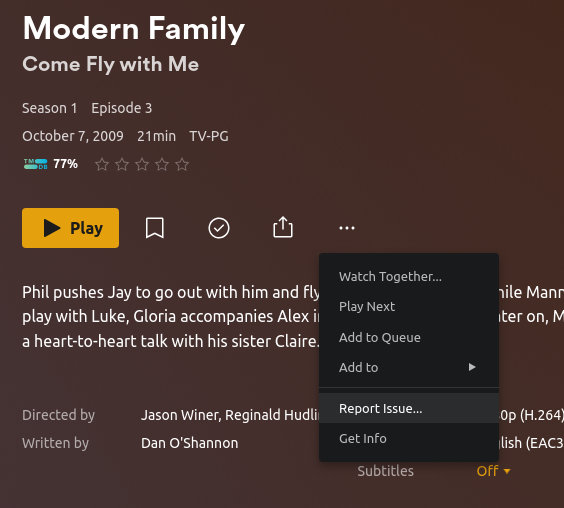
Alternatively, you can do this directly on Plex. On the page for the episode or Movie that has an issue, click the three dot button and select "Report Issue..." from the resulting dropdown.